Home-screen widgets
Put your energy system on the home screen — iPhone and Android both get the Energy Glance widget and a set of single-stat minis, so the numbers you care about are visible without opening the app.
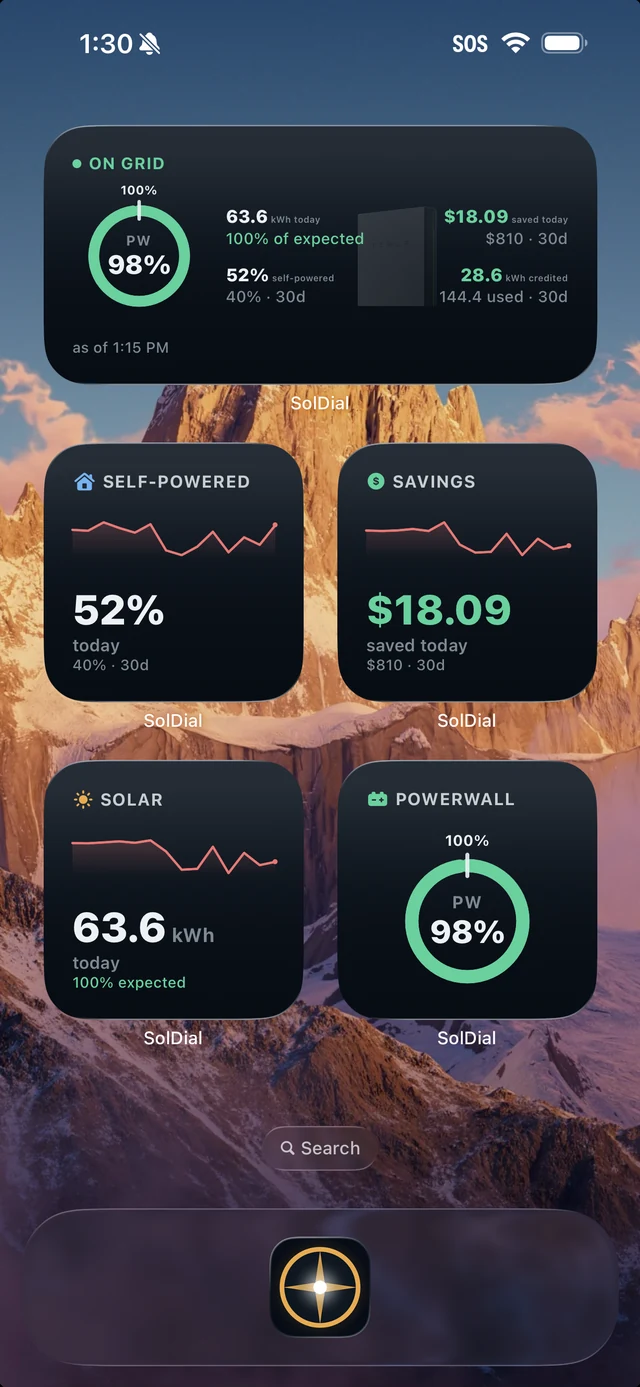
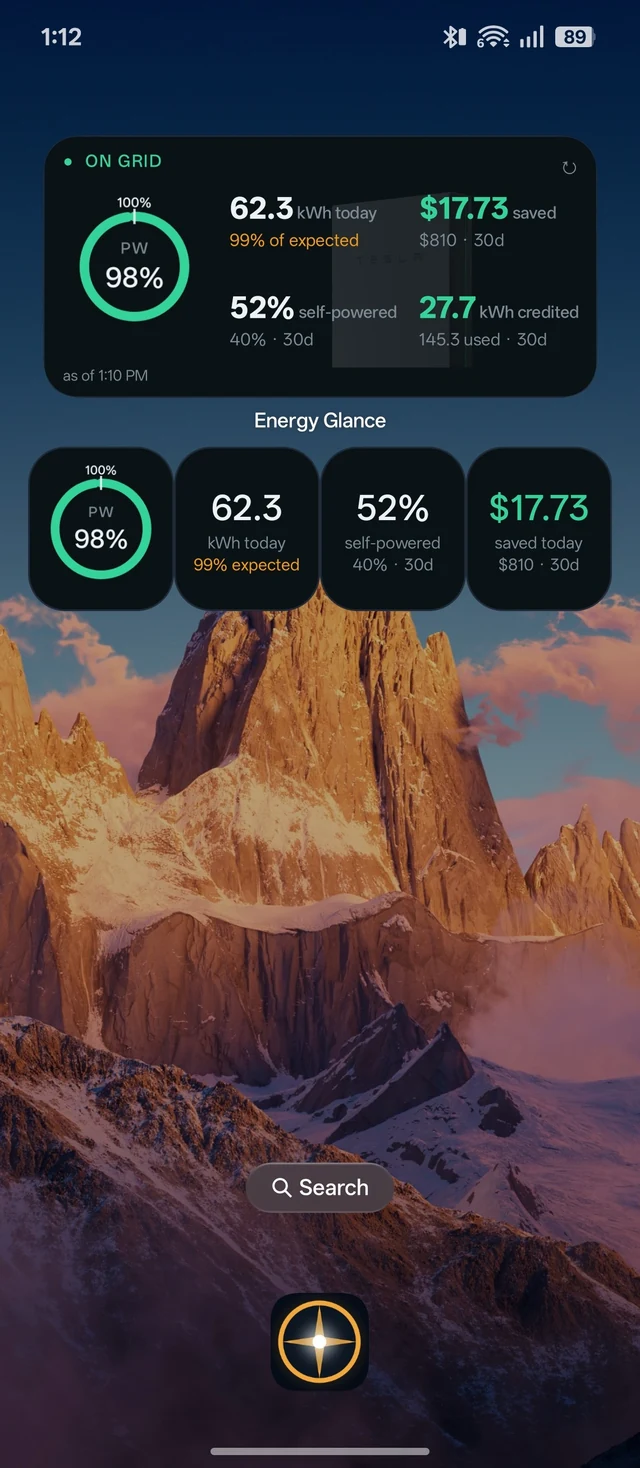
Energy Glance
The wide widget shows your whole day at once: the Powerwall charge ring, today's solar against what the forecast expected, money saved, self-powered percentage, and net grid — drawn over a faint silhouette of your Powerwall.
It comes in three periods, on both iPhone and Android, so you can stack the ones you care about: Energy Glance Today (today's numbers, with the 30-day figure as the footnote), Energy Glance 30d (the rolling last 30 days, with today as the footnote), and Energy Glance Billing (this billing period so far, with a day counter in the header — and the grid cost or credit so far under net grid). Every card names its period in the header. If you haven't set a billing cycle in Settings, the Billing card shows the calendar month and says so in amber.
Single-stat minis
Five compact widgets — Powerwall Charge, Solar Today, Saved Today, Self-Powered, and Net Grid — each pair the live number with a 14-day trend line that shifts green, blue, or red as that number improves, holds steady, or slips. Pick the one stat you check most and give it its own square.
Adding a widget
iPhone: long-press the Home Screen, tap Edit → Add Widget, and search for SolDial. Android: long-press the home screen, choose Widgets, and drag a SolDial widget into place. Widgets refresh themselves through the day and always show when they were last updated; tap any widget to jump into the app.
On your watch
Watch-face complications for solar, home, grid, and Powerwall charge — plus Wear OS tiles and the Apple Watch Smart Stack card — are covered in On your watch.
Requirements
Widgets need the phone app signed in. Widget data rides along with your SolDial plan — if something isn't updating, opening the app once usually gets things flowing again.